
Seeing Error 522: Connection Timed Out when opening your website? This happens when Cloudflare tries to connect to your hosting server but doesn’t receive a response in time.
The problem is usually caused by an overloaded server, incorrect DNS settings, or a firewall blocking Cloudflare.
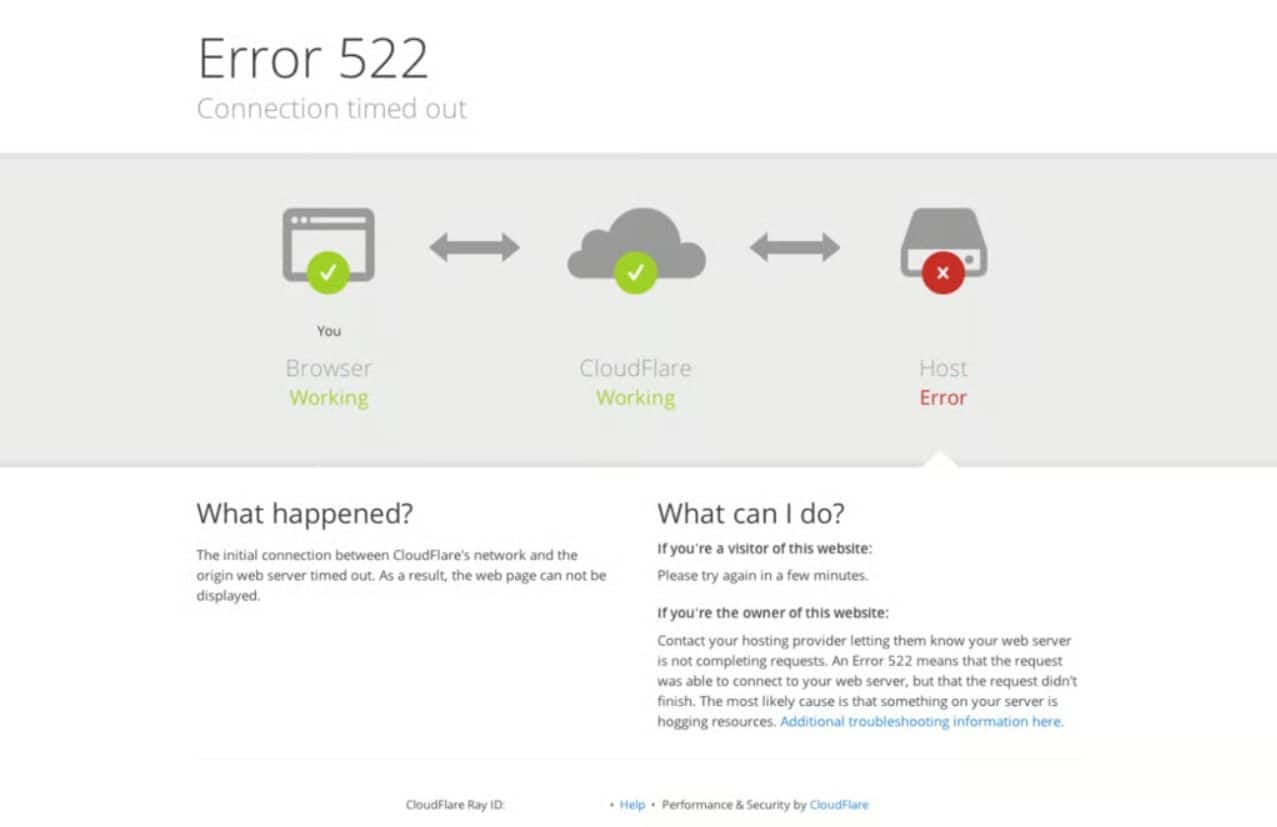
How to Fix Cloudflare Error 522
1. Check if Your Server Is Running
First, make sure your hosting server is online and your web server is running.
If you’re using a VPS with Nginx, connect through SSH and run:
sudo systemctl status nginxFor Apache, check apache2 (Ubuntu/Debian) or httpd (AlmaLinux/Rocky) instead.
If the service isn’t running, check its logs to find out why. If you’re using shared hosting, check your hosting control panel or contact your provider.
2. Verify Your Cloudflare DNS Settings
Cloudflare might be trying to connect to an old or incorrect server IP address.
- Log in to your Cloudflare dashboard.
- Select your domain and open DNS → Records.
- Check that your A record points to your hosting server’s correct IP address.
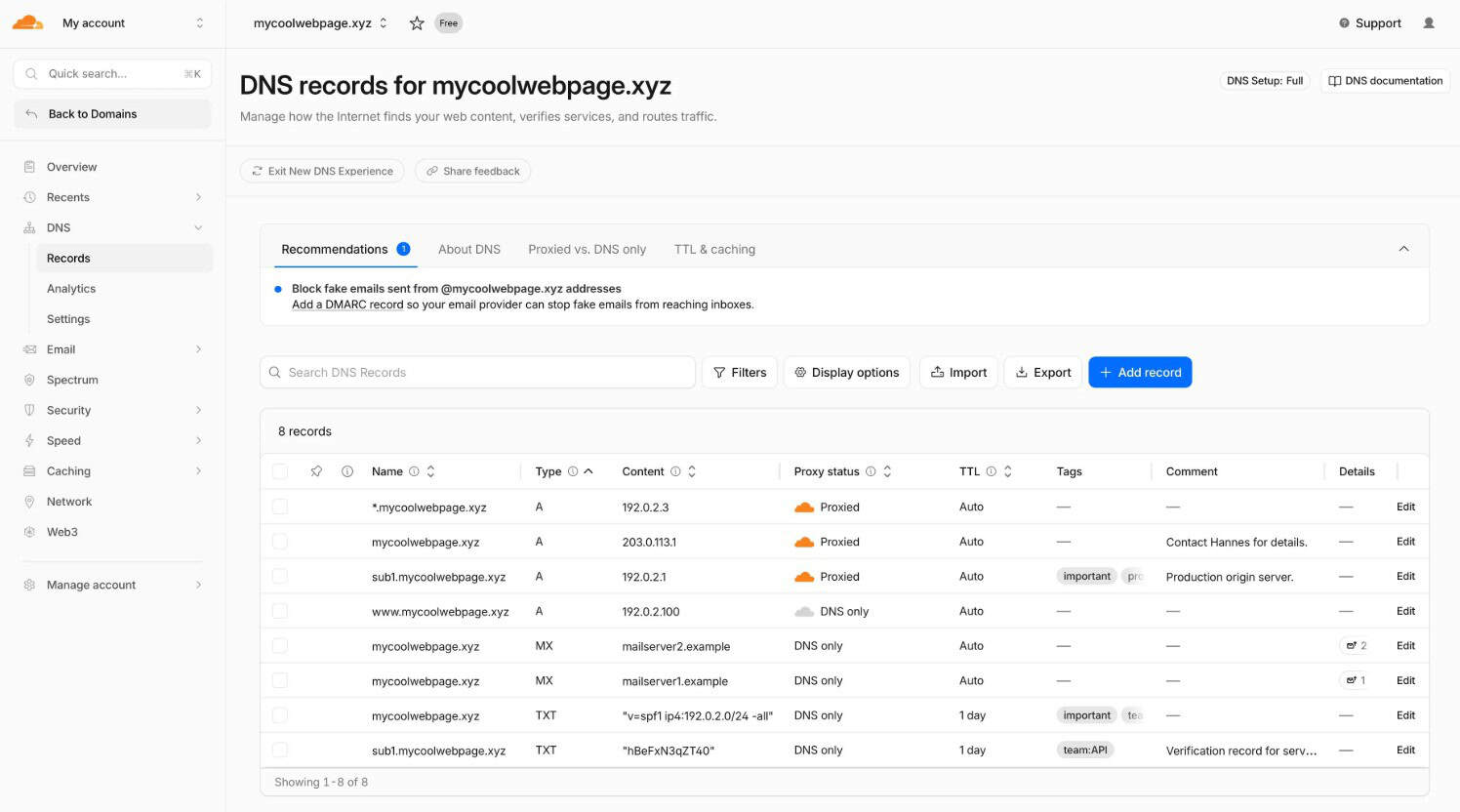
Also verify your AAAA record if your server uses IPv6.
If you’ve recently migrated your website to another server, this is worth checking first.
3. Check if Your Firewall Is Blocking Cloudflare
Your server’s firewall or security software might be blocking requests from Cloudflare.
Check your firewall rules and server logs for blocked connections. Make sure the server allows traffic from Cloudflare’s official IP ranges.
Don’t disable your entire firewall just to fix the error.
4. Check for Server Overload
If your server is running out of CPU or memory, it may struggle to handle incoming connections.
Check your hosting resource usage or VPS monitoring dashboard. If usage is unusually high, investigate the processes or traffic causing it.
Still Getting Error 522?
If the error continues, contact your hosting provider and share:
- Your website URL
- When the error occurred
- The Cloudflare Ray ID displayed on the error page
Your provider can check the server logs, network connectivity, and firewall settings to identify what’s preventing Cloudflare from connecting.
If your website is hosted with Veeble, you can contact our support team for assistance.
